MASK
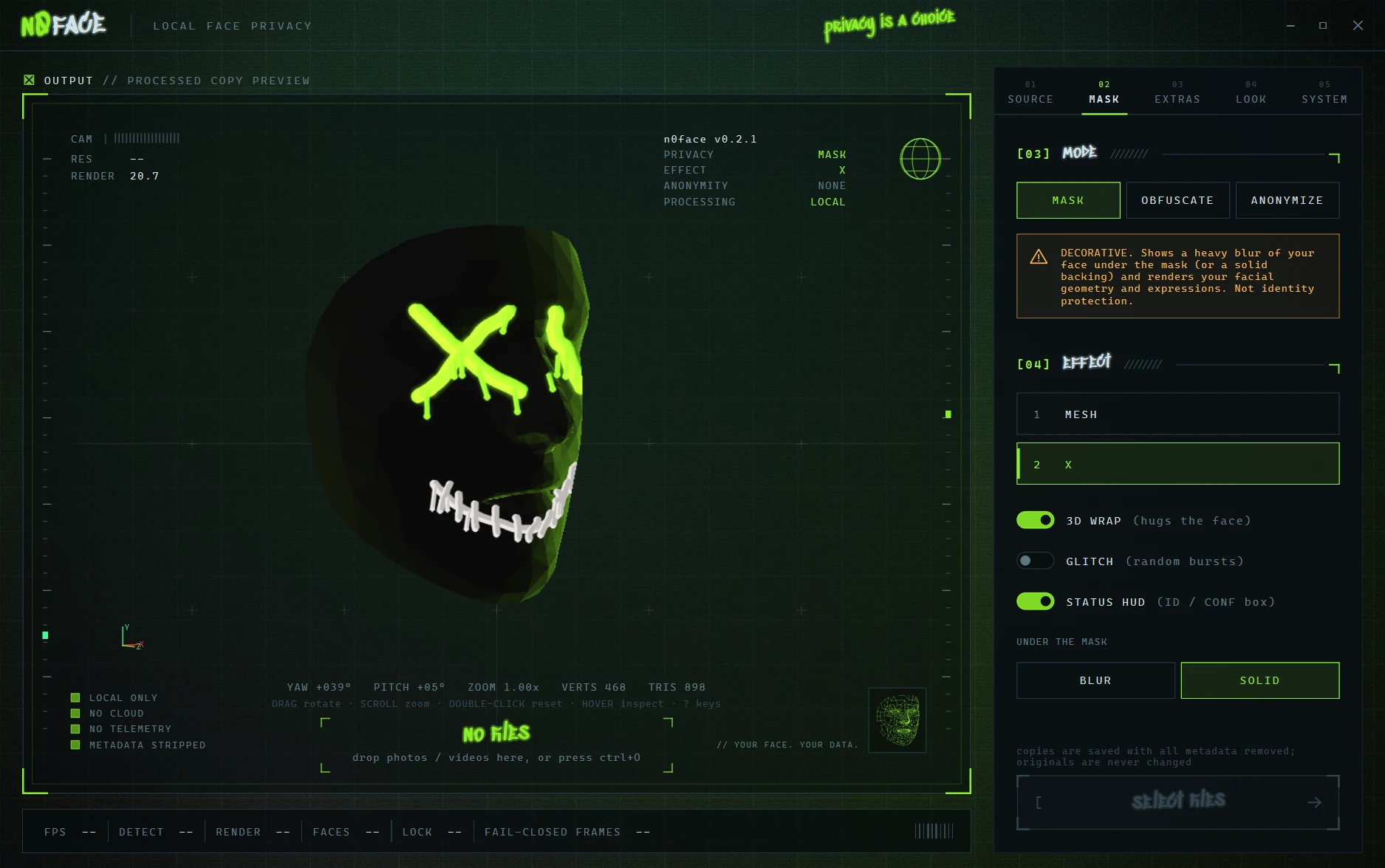
DecorativeStylized masks over a blur of your face, or a solid backing. Shows your expressions.
Doesn't hide your facial geometry or expressions.
v0.2.1 · free for Windows
n0face is a free face mask and face blur app for Windows. It hides your face on your webcam, in streams and video calls, and in photos and videos, live, on your own PC. No cloud. No accounts. No telemetry.
Open source (AGPL-3.0) · Windows 10 / 11 · 98 MB
Animation: the X mask on a rotating 3D face, torn now and then by glitch bursts.
[01] How it works ////////
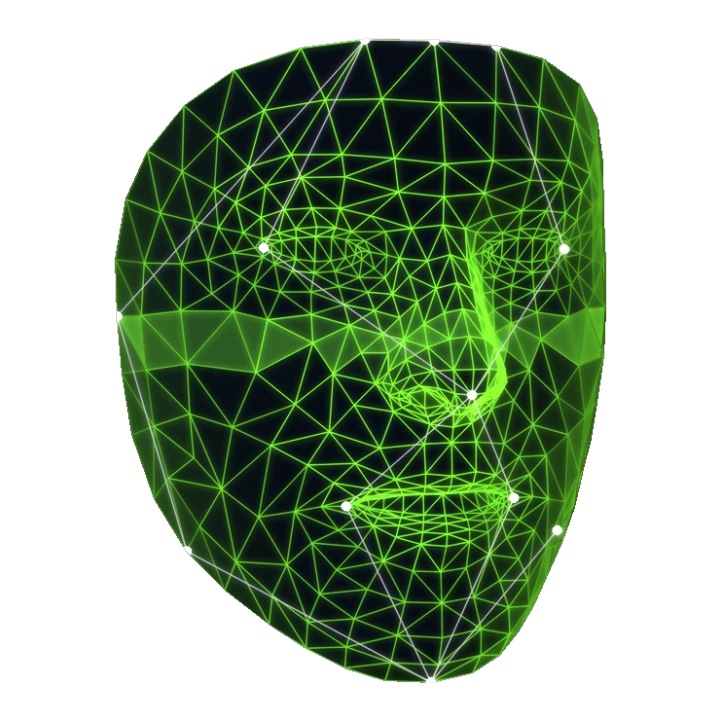
An on-device model finds 478 points on your face. A second one keeps track of your head when you look down or turn away.
Your face becomes a mask that follows your expressions, a glitch, or a full-head cover. Lose tracking and the frame goes dark until you're found again.
Pick the n0face virtual camera in Discord, Zoom, Teams or OBS. Or drop in photos and videos to mask or blur every face, with EXIF and GPS metadata stripped.
[02] Masks ////////
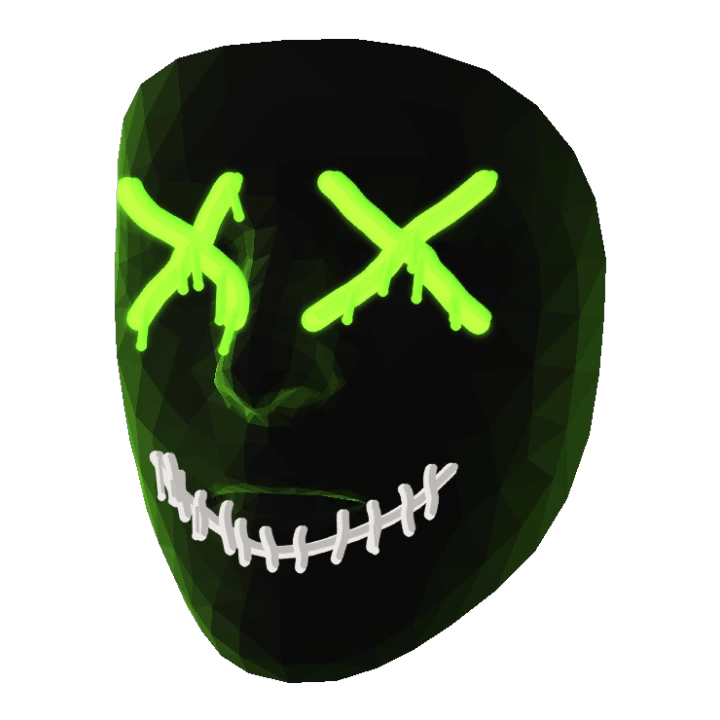
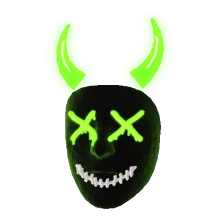
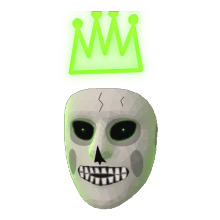
Under every mask: BLUR (a heavy blur of your face) or SOLID (hidden completely).
Five more masks, accessories that ride on your head in 3D, and full customization. Cosmetic only: everything that protects you stays free. Buying it funds development and code signing.
Compare plans →
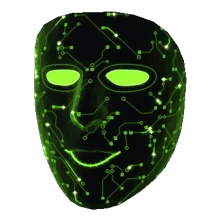
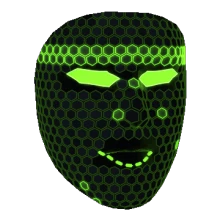
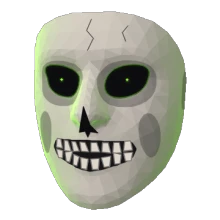
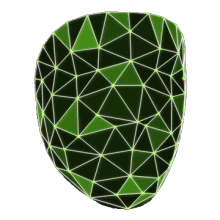
[03] Modes ////////
We'll be straight with you: no mode makes you unidentifiable. Your voice, body and room can still give you away. Here's exactly what each one does.
Stylized masks over a blur of your face, or a solid backing. Shows your expressions.
Doesn't hide your facial geometry or expressions.
Replaces your face with glitch blocks or static, generated from scratch, or pixelates it.
Doesn't hide face outline, hair, ears, body or background.
Covers your whole head with a shape-hiding cover and holds it longer when tracking drops.
Doesn't hide body, voice, background or anything you say.
[04] Privacy ////////
An offline face anonymizer: detection, masking and the virtual camera all run on your PC, and the code is open for anyone to check.
Detection runs on your CPU. Frames never leave your PC.
Once the model loads, n0face switches its own networking off.
If tracking drops for more than a few frames, the whole frame is hidden.
Live camera frames are never written to disk.
Masked copies of photos and videos carry no EXIF or GPS. Originals are never changed.
Every line is on GitHub under AGPL-3.0. Read it, build it yourself.
[05] Plans ////////
Everything that protects you is free, and always will be. PRO is cosmetic: more masks, accessories and full customization. Buying it pays for development and the code-signing certificate that gets rid of the Windows warning for everyone.
$0forever
Everything you need to hide your face.
One-timeno subscription
Everything in Free, plus:
Install n0face, pick a mask or privacy mode, and choose the n0face camera in Discord, Zoom, Teams, Google Meet or OBS. Your face is masked before any app sees the picture. The virtual camera needs the free OBS Studio installed (it provides the driver); OBS doesn't have to be running.
If you miss Snap Camera's face filters on your webcam: yes, n0face is a free virtual camera with 3D face masks that works in the same apps. The difference is that it's built for privacy: it runs offline, has no account and never uploads your camera.
Yes. Drop in photos or videos and n0face writes masked copies, with EXIF, GPS and other metadata stripped. Your originals are never changed. Video processing runs on your CPU and takes roughly ten times the video's length.
That's a big part of why it exists. Stream through OBS with a mask on, or record normally and mask the video afterwards. A second on-device model keeps your head covered when you look down at a guitar, keyboard or phone.
Everything runs on your PC. Once the face model has loaded, n0face switches its own networking off. There's no account, no cloud and no telemetry, and live camera frames are never written to disk.
Not on its own, and no tool can promise that. ANONYMIZE covers your whole head and is the strongest mode, but your voice, body, clothes, room and what you say can still identify you. MASK mode is decorative: it shows your expressions.
Yes. n0face is free and open source under AGPL-3.0, including every privacy feature. The optional n0face PRO adds cosmetic extras: more masks, accessories and customization.
Windows 10 or 11 and a webcam. The installer bundles everything else, including the face model. Add OBS Studio if you want the virtual camera in other apps.